Purpose, scope, platform concepts, login flow, and the administrator navigation model.
1. Purpose and Scope
This guide explains how administrators operate and manage MeemSign in a production environment.
Security note: use only assigned administrator credentials, never publish passwords in shared documentation, and rotate temporary credentials after commissioning.
Audience
Enterprise administrators, operators, implementation teams, and support engineers.
Coverage
Access, devices, media, scheduling, permissions, settings, reporting, and support workflows.
Format
Structured website documentation suitable for portal or public hosting.
2. Platform Overview
MeemSign is a CMS-driven digital signage platform used to upload content, build layouts, schedule campaigns, and manage playback devices.
Concept
Description
Screen
A registered signage player or display device.
Screen Group
A logical collection of screens used for bulk targeting and permissions.
Screen Settings Profile
A reusable device configuration profile.
Media
Images, video, documents, web content, widgets, and other playback assets.
Design
A layout containing regions and assigned media.
Template
A reusable starting layout.
Design Group / Campaign
A grouped set of designs scheduled together.
Timeline
The scheduling calendar for content playback.
User Group
A permission container for visibility and access control.
3. Accessing the System
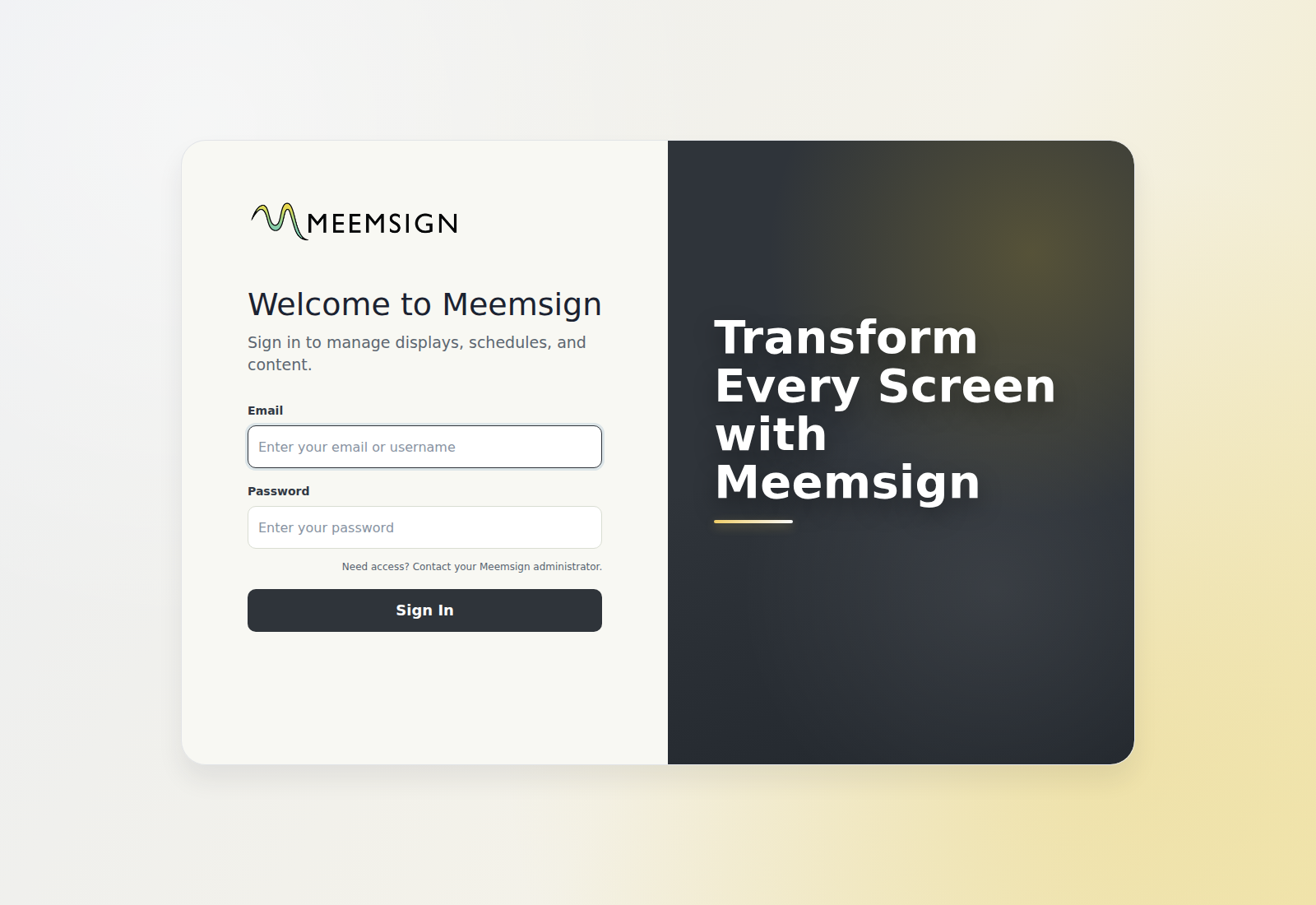
Open the Login Page
Open a supported browser.
Navigate to Application URL.
Confirm the login page is displayed.
Sign In
Enter administrator credentials.
Select Login / Sign In.
Verify the dashboard loads successfully.
Change Password
Open the user menu.
Select Change Password.
Enter the old password and the new password.
Save the change.
Administrator login screen.
4. Navigation Model
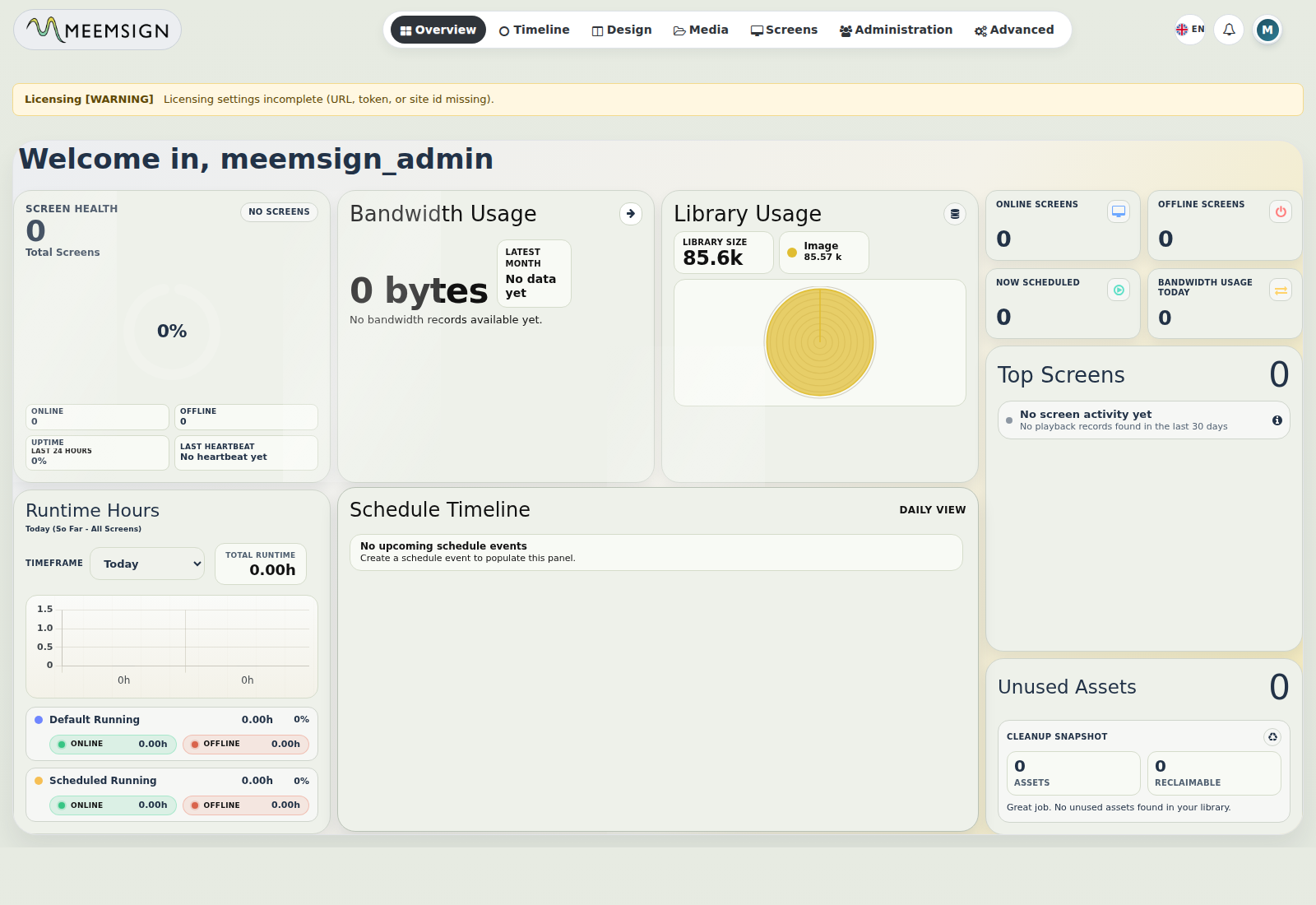
After login, the administrator navigation exposes all operational areas of the platform.
Navigation Item
Purpose
Overview
Operational summary and status panels.
Timeline
Content scheduling and publishing calendar.
Design
Layout creation, editing, preview, import, and export.
Design Groups
Campaign-based grouping of multiple designs.
Templates
Reusable design baselines.
Resolutions
Canvas size definitions for layouts.
Media
Asset library management.
Screens
Device registration and control.
Screen Groups
Screen grouping, membership, and bulk management.
Statistics
Playback, bandwidth, and operational reports.
Screen Settings
Player profile management.
Administration
Users, groups, settings, and global policy controls.
Advanced
Logs, audit trail, and sessions.
5. Dashboard / Overview
The dashboard provides a quick operational snapshot for administrators.